wh111 Withdrawal Guide – Get Your Winnings Out Fast
By the end of this guide you will know exactly how to submit a withdrawal request on wh111, complete your first-time KYC verification, understand the limits and processing times, and fix any issues that come up along the way.
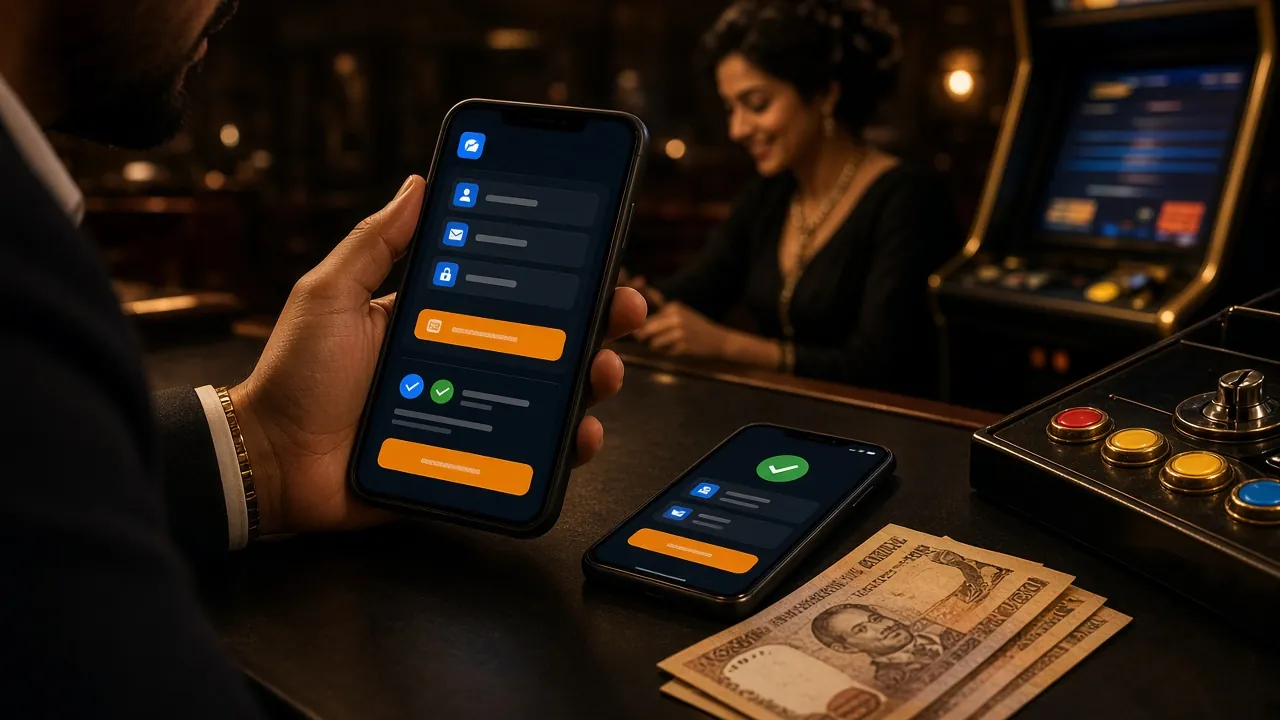
Withdrawal Limits & Processing Times at wh111
Before you request a payout, check these figures. All amounts are in Bangladeshi Taka (৳).
| Parameter | Amount / Time | Notes |
|---|---|---|
| Minimum withdrawal | ৳900 | Per transaction; requests below this are declined automatically |
| Maximum daily withdrawal | ৳1,70,000 | Member (default) tier; VIP tiers raise this limit |
| Processing time | 9 minutes | Average after KYC is approved; first-time withdrawals may take up to 1 hour |
| First withdrawal | Up to 1 hour | Account verification required before funds are released |
| Wagering requirement on bonuses | 10× | Bonus funds must be wagered 10 times before withdrawal |
Subsequent withdrawals after your KYC is approved typically arrive within 9 minutes. If your mobile banking app shows no credit after 30 minutes, contact 24/7 Live Chat with your transaction reference number.
Accepted Payment Methods for Withdrawals
wh111 pays out through the same mobile banking and bank channels you used to deposit. Use the same account number to avoid delays.
- bKash Withdraw: ~9 min
- Nagad Withdraw: ~9 min
- Rocket Withdraw: ~9 min
- Bank Transfer Withdraw: ~9 min
- Upay Withdraw: ~9 min
Always withdraw to the same mobile number or bank account you deposited from. Sending funds to a different account triggers a manual review and delays the payout.
How to Submit a Withdrawal Request – Step by Step
The whole process takes about two minutes once your account is verified. Follow each step in order.
-
1
Log in to your account
Open the wh111 app or visit the site and sign in. Your balance appears in the top-right corner.
-
2
Open the Cashier
Tap your avatar or balance figure, then select "Cashier." Choose the "Withdraw" tab — not "Deposit."
-
3
Choose your payment method
Pick bKash, Nagad, Rocket, Upay, or Bank Transfer. The form adjusts to show the right fields for that method.
-
4
Enter amount & account number
Type the amount (minimum ৳900) and confirm your mobile number or bank account. Double-check before you proceed.
-
5
Confirm and wait
Tap "Confirm Withdrawal." You will get an SMS confirmation. Funds arrive within 9 minutes on average.
Complete KYC Before Your First wh111 Withdrawal
KYC (Know Your Customer) verification is a one-time step required before your first payout. It protects your funds and prevents unauthorised withdrawals from your account. Without it, withdrawal requests are held until the check is complete.
| Detail | Requirement |
|---|---|
| When it is required | Before first withdrawal |
| Review time | Up to 24 hours |
| First withdrawal hold | Up to 1 hour |
| Documents required | 1 government-issued photo ID |
| File formats accepted | JPG, PNG, PDF (max 10 MB) |
| Selfie required | Yes, with the document in hand |
Submit your documents before you request your first payout — this avoids a wait at the moment you want your money. The review team operates 24/7, so uploading in the evening still moves quickly.
wh111 stores identity documents using encrypted file storage. Your National ID details are never shared with third-party marketing services and are only accessed by the compliance team during account reviews.
Which Documents Does wh111 Accept?
You need one of the following government-issued documents. Any of these is sufficient on its own — you do not need to submit all three.
Your name on the document must match the name registered on your wh111 account exactly. Even a small spelling difference can delay approval, so double-check before uploading.
How to Upload Your KYC Documents
The upload form is inside your account settings. These four steps take less than three minutes to complete.
-
1
Go to Account Settings
Log in, tap your profile icon, and select "Account Settings." Then choose the "Verification" or "KYC" tab.
-
2
Select document type
Choose NID, Passport, or Driving Licence from the dropdown. The form then asks for the matching fields (ID number, expiry date).
-
3
Upload your photos
Attach a clear photo of the front and back of your document. Then attach a selfie holding the document next to your face.
-
4
Submit and wait for review
Tap "Submit for Review." The compliance team will check within 24 hours. You will get an in-app notification when approved.
Photo & Document Quality Requirements
Poor-quality images are the most common reason KYC submissions get sent back. Follow these requirements and your document will pass on the first attempt.
What to do
- Shoot in good natural or indoor light — no harsh shadows on the document
- Keep the entire document visible in the frame, including all four corners
- Hold the document flat and steady to avoid blur
- For the selfie, hold the document next to your face so both are equally in focus
- File size under 10 MB; JPG or PNG format preferred
- All printed text on the document must be readable when zoomed in
What to avoid
- Do not scan through glass — reflections obscure key details
- No screenshots of a photo — always upload the original image file
- Do not cover any part of the document with your fingers
- Avoid uploading expired documents — the expiry date must be valid
- No edited, cropped, or Photoshopped images — these are automatically flagged
- Do not rotate the image — keep it the right way up
Your documents are transmitted over TLS encryption and stored in an access-controlled environment. The compliance team does not share your personal data with third parties. You can request deletion of your data by contacting 24/7 Live Chat after your account is closed.
Why Withdrawals Get Rejected — and What to Do
Most rejections are easy to fix once you know the cause. Here are the most common ones and the steps to resolve each.
-
Wagering requirement not met
Bonus funds require 10× wagering before withdrawal. Check your bonus wallet balance and remaining turnover in the Promotions tab. Place more bets until the requirement is cleared, then retry.
-
Amount below the ৳900 minimum
The system auto-declines requests under ৳900. Adjust your amount upward and resubmit.
-
Daily limit exceeded (৳1,70,000 for Member tier)
The counter resets at midnight UTC+06. Wait until the next day or split the amount across two days. Upgrading your VIP tier raises the daily limit.
-
Mobile number does not match deposit account
wh111 requires the payout to go to the same mobile wallet used for deposits. If your number changed, contact 24/7 Live Chat with proof of ownership of both numbers.
-
KYC not approved
The first withdrawal is held until identity verification passes. Upload your documents now — approval takes up to 24 hours. After that, withdrawals process within 9 minutes.
-
Blurry or incomplete KYC document
Resubmit with a clearer photo following the requirements in the section above. Recheck that all four corners of your ID are visible and no text is obscured.
If none of the above applies to your situation, open 24/7 Live Chat and quote your withdrawal reference number. The support team can see the exact rejection reason on their end and guide you through the fix in real time.
Raise Your Daily Withdrawal Limit Through the VIP Programme
The default Member tier has a ৳1,70,000 daily withdrawal limit. If you play regularly, moving up the VIP ladder unlocks significantly higher limits — plus cashback and birthday bonuses on top.
| Tier | Monthly Turnover | Daily Withdrawal Limit | Daily Cashback | Birthday Bonus |
|---|---|---|---|---|
| Member | Starting tier | ৳1,70,000 | 0.8% | — |
| Star | ৳30,000 | ৳2,50,000 | 0.9% | ৳900 |
| Elite | ৳1,30,000 | ৳3,60,000 | 1.0% | ৳2,100 |
| Master | ৳5,30,000 | ৳5,20,000 | 1.1% | ৳4,700 |
| Legend | ৳23,00,000 | ৳7,50,000 | 1.2% | ৳11,000 |
| Crown | ৳95,00,000 | ৳11,00,000 | 1.3% | ৳25,000 |
Monthly turnover is counted across all games. VIP tier upgrades are assessed automatically at the start of each calendar month. See the full benefits on the Bonus & VIP page.
Frequently Asked Questions About wh111 Withdrawals
How long does a wh111 withdrawal take?
What is the minimum withdrawal amount?
Can I withdraw before completing KYC?
Which documents are accepted for KYC?
My withdrawal was rejected — what should I do?
Can I cancel a withdrawal after submitting it?
Does wh111 charge a withdrawal fee?
How do I withdraw using the wh111 app?
Is there a limit on how often I can withdraw?
Ready to start playing — and withdrawing?
Open a wh111 account today, claim your first deposit bonus, and have your winnings in your bKash or Nagad wallet within minutes once your KYC is done.