Download the wh111 App and Play Without Interruptions
The wh111 App gives you instant access to slots, live casino tables, Crash games and cricket betting — from your Android phone. No browser lag, no session timeouts. The APK is free, 41 MB, and installs in under two minutes.
- SSL Encrypted
- Android 7.0+
- bKash & Nagad
- 24/7 Support
- 18+
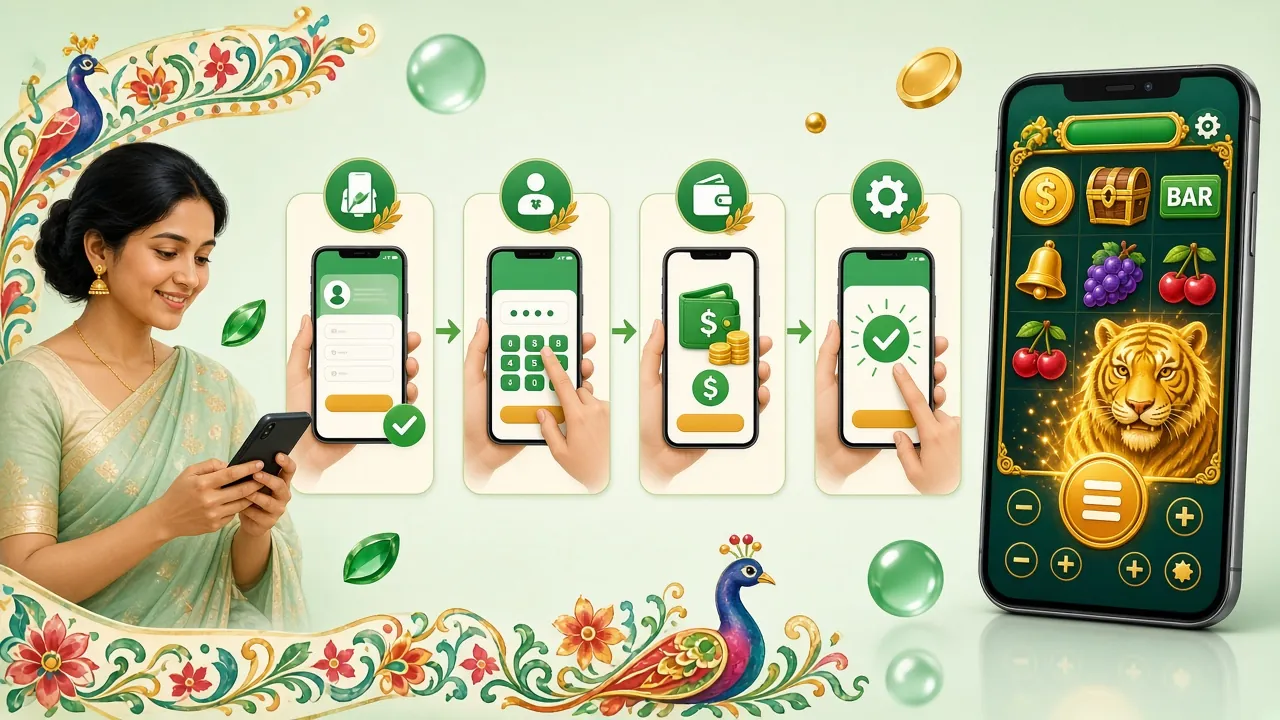
wh111 App — Version & System Requirements
Before you download, check that your phone meets these requirements. The wh111 App is lightweight and works on most Android phones released after 2018.
| Detail | Value |
|---|---|
| App Version | 2.8.0 |
| File Name | wh111.apk |
| File Size | 41 MB |
| Minimum Android | Android 7.0 (Nougat) or later |
| Last Updated | 13 November 2026 |
| Price | Free |
| Languages | English, Bangla |
| iOS Support | Web App (Add to Home Screen) |
| Storage Needed | ~80 MB after install |
| Internet Required | Yes — WiFi or mobile data (3G minimum) |
Get the APK Now
Direct download from wh111 — no app store needed. The file is scanned before each release.
Download wh111 APK — Freewh111.apk · 41 MB · v2.8.0
Served over HTTPS. Enable "Install Unknown Apps" on your device before tapping the file.
Scan with your phone camera to go straight to the APK download page.
wh111 App vs Browser — Which One Suits You?
Both options use the same account and the same game library. The App wins on speed and convenience; the browser is fine if you just want a quick session on a shared device.
| Feature | wh111 App (APK) | Browser (Mobile) |
|---|---|---|
| Load Speed | Fast — cached assets, no reload | Slower — full page loads |
| Push Notifications | Score alerts, bonus alerts | Not supported |
| bKash / Nagad Deposit | One-tap redirect | Works via browser |
| Session Stability | Stays logged in between plays | May time out or reload |
| Live Cricket Scores | Real-time in-app widget | Requires page refresh |
| Offline Access | Lobby loads without internet | No |
| Installation Required | Yes — download 41 MB APK once | No install needed |
| iOS Support | Web App (Add to Home Screen) | Full browser support |
| Update Method | Download new APK when prompted | Automatic — always current |
Already have the app installed? Log in to your wh111 account and pick up where you left off.
Security & App Permissions Explained
The wh111 APK only requests permissions it actually needs. Here is what gets asked and why.
HTTPS & SSL Encryption
All data between your device and the wh111 servers travels over a 256-bit TLS connection. Your login details, deposit amounts and personal information are never sent in plain text. The same encryption protects your bKash and Nagad transactions inside the app.
Network Access Only
The app requests internet access to load games and process payments — nothing else. It does not read your SMS, contacts or call logs. It does not access your camera or microphone. If you see a permission request beyond network access, do not install that file; download a fresh copy from wh111.cam/wh111-app/.
APK Source & Integrity
Download the APK only from the link on this page (wh111.apk). Third-party file-sharing sites may distribute modified versions that contain adware. The official file is hosted on our own server and re-verified before each version release. The filename always ends in .apk, never .exe or .zip.
Account Security in the App
Use a strong, unique password for your wh111 account. The app supports PIN-lock on supported devices. If you share your phone, log out after each session — the app remembers your preference. For your first withdrawal you will need to complete a quick identity check; keep your National ID Card or Passport handy.
Install the wh111 App on Android — Step by Step
Android blocks apps from outside the Play Store by default. You need to allow "unknown sources" once — it takes about 15 seconds. After that, the installation is straightforward.
-
1
Allow Installation from Unknown Sources
Open Settings → Apps → Special App Access → Install Unknown Apps. Find your browser or file manager, then toggle Allow from this source to ON. This one-time setting lets Android install APK files you download yourself. You can turn it off again after installation if you prefer.
-
2
Download the wh111 APK
Tap the Download APK button on this page. Your browser will save wh111.apk (41 MB) to your Downloads folder. Wait for the download to complete — on a typical Grameenphone connection this takes around 20–30 seconds on 4G. Do not close your browser while downloading.
-
3
Open the Downloaded File
Pull down your notification shade and tap wh111.apk in the completed download notification. Alternatively, open your phone's Files or Downloads app, navigate to the Download folder, and tap the file. Android will display a permissions prompt before the installer starts.
-
4
Tap Install and Wait
On the installer screen, tap Install. Android copies the files and verifies the package — this usually takes 10–20 seconds. Do not tap the screen during installation. When you see App installed, the wh111 App is ready on your home screen or in your app drawer. No restart is needed.
-
5
Log In or Register
Open the app and log in to your existing wh111 account. If you are new, tap Register and fill in your mobile number, a password and your preferred currency (BDT). Your first deposit of ৳300 or more unlocks the welcome bonus. Deposits via bKash and Nagad clear in about 2 minutes.
Everything Inside the App
Over 4,100 games are available directly inside the app. The lobby updates in real time — no need to refresh. Here is what you will find.

Slots — Pragmatic Play, Habanero & More
Spin Treasures of Aztec, Fortune Ox, Dragon of Demons and hundreds of other titles from Pragmatic Play, Habanero and JDB. Minimum bet from ৳1. All RTPs are listed in the game info panel so you know the odds before you spin.

Live Casino — Real Dealers, Real Tables
Join European Roulette Pro, baccarat and blackjack rooms powered by Ezugi and Sexy Gaming — streamed in HD directly to your phone. Tables run around the clock, with bet sizes from ৳2 up to ৳50,000 to suit every session size.
Why Players Choose the App Over the Browser
- Faster page loads — game assets are cached after the first session, so the lobby opens in under a second even on slower data connections.
- Push notifications — get alerts when your team scores, when a bonus is credited or when a withdrawal completes. The browser cannot do this.
- Auto-login — the app remembers your session. No password entry every time you open it, unlike a browser tab that times out after a few minutes of inactivity.
- Full-screen live casino — landscape mode in live-dealer tables fills the entire screen, giving you a wider view of the felt and dealer panels without browser chrome getting in the way.
Scan to download on your phone. Works with the camera app — no QR reader needed.
iPhone & iPad — Add to Home Screen
There is no separate iOS APK. iPhone and iPad players use Safari to access wh111, then add it to the home screen for an app-like experience — no download required.
-
1
Open Safari on Your Device
Go to wh111.cam in Safari. The site is optimised for mobile Safari — all games and payments work without any plugin.
-
2
Tap the Share Button
At the bottom of the screen, tap the Share icon (a box with an arrow pointing up). The share menu will slide up.
-
3
Tap "Add to Home Screen"
Scroll down in the share sheet and tap Add to Home Screen. Give the shortcut a name — "wh111" works fine — then tap Add.
-
4
Open from Your Home Screen
The wh111 icon appears on your home screen. Tap it to open the site in a full-screen browser frame with no Safari toolbar — almost identical to a native app experience.
App Update Policy
When a new version releases, a banner appears inside the app. Tap Update Now and you will be taken to this page to download the latest APK. The update process is the same as the first install.
Old versions still work but may miss new games or payment options. We recommend updating within a week of any new release.
Can't Install? Fix These Common APK Problems
Most installation failures have a simple fix. The table below covers the five most common issues reported by players in Bangladesh.
| Problem | Likely Cause | How to Fix It |
|---|---|---|
| "App not installed" error | A previous version of the app is still on the device, or the APK file is incomplete (download was interrupted). | Go to Settings → Apps → wh111 and uninstall the old version. Then delete the partial APK from your Downloads folder and download it again from this page. Make sure you have a stable connection before you start. |
| "Install blocked" message | The "Allow from Unknown Sources" permission was not enabled for the browser or file manager you used to open the APK. | Go to Settings → Apps → Special App Access → Install Unknown Apps. Find your browser (Chrome, Firefox, or your phone's default browser) and toggle the setting on. Then try opening the APK file again from your Downloads folder. |
| App crashes on launch | Device is running Android 6 or earlier, which is below the minimum requirement, or the device has less than 100 MB of free storage. | Check your Android version in Settings → About Phone. The wh111 App requires Android 7.0 or later. Free up storage by deleting unused apps or photos. If your Android is 7.0+ and the crash persists, uninstall and reinstall the latest APK. |
| Games not loading inside the app | Weak mobile data connection (2G or congested network), or a firewall set by some ISPs in Bangladesh that blocks gaming domains. | Switch to WiFi if available. If you must use mobile data, switch between 3G and 4G manually in Settings → Mobile Networks. Some players use a lightweight VPN when their ISP blocks game assets — this is your responsibility to do in accordance with local rules. |
| bKash deposit not crediting | Payment completed on bKash side but the transaction reference was not sent back to wh111 — usually a network timeout during the redirect. | Wait up to 10 minutes; most pending deposits auto-clear. If the balance still does not update, open 24/7 Live Chat inside the app, share your bKash transaction ID and the agent will credit the deposit manually within minutes. Do not deposit again until the first transaction is resolved. |
Frequently Asked Questions About the wh111 App
Is the wh111 APK safe to install?
What Android version does the wh111 App require?
How do I update the wh111 App to the latest version?
Can I use the same account on the app and the browser?
Why is my download taking so long or stopping mid-way?
Does the wh111 App work without an internet connection?
How do I deposit money through the wh111 App?
Get the App and Start Playing Today
Download the wh111 App, deposit from ৳300 via bKash or Nagad, and your first deposit bonus credits automatically. No code needed.
18+ · Play Responsibly · ৳300 minimum deposit · 10× wagering applies